
SPF, DKIM and DMARC: Setup Guide, Examples and Fixes
SPF, DKIM and DMARC explained with DNS record examples, a safe rollout from p=none to reject and fixes for DMARC fail. Check your domain now.
SPF, DKIM and DMARC are three DNS records that decide who may send email for your domain and what happens to messages that fake it. Without them, your newsletters, invoices and password resets are more likely to land in spam, and anyone can put your domain in the "From" line of a phishing mail with little resistance. Since Gmail and Yahoo tightened their rules for bulk senders in 2024, getting SPF, DKIM and DMARC right is no longer optional. This guide explains what each record does, what DMARC is and how a DMARC policy works, how to roll it out safely from p=none to p=reject, and how to fix the most common causes of a DMARC fail.
SPF, DKIM and DMARC at a glance
| Standard | Question it answers | Where it lives | What is checked |
|---|---|---|---|
| SPF | Is this server allowed to send for the domain? | TXT record on the domain | sending server's IP against an allow list |
| DKIM | Was the message signed by the domain and left unchanged? | TXT record at selector._domainkey |
cryptographic signature in the header |
| DMARC | What should happen if checks fail, and who gets reports? | TXT record at _dmarc |
whether SPF or DKIM passed and aligns with the visible From domain |
The short version: SPF and DKIM authenticate, and DMARC ties them to the address recipients actually see, then tells receiving servers what to do. Only DMARC truly protects your visible sender domain from spoofing.
SPF and DKIM: the authentication layer
SPF: list your authorised senders
SPF (Sender Policy Framework, RFC 7208) publishes the servers that may send mail for your domain. A typical record:
example.com. TXT "v=spf1 include:_spf.google.com include:spf.newsletter-tool.example ip4:203.0.113.10 -all"
v=spf1marks the record as SPF.include:pulls in a provider's servers (Google Workspace, your newsletter tool, your shop platform).ip4:/ip6:allow individual addresses or ranges.- The final mechanism handles everyone else:
-all(fail),~all(softfail) or?all(neutral).
Keep in mind that SPF checks the technical sender domain (envelope from / Return-Path), not the address the recipient sees. It also breaks when mail is forwarded, because a different server then delivers it.
DKIM: sign every message
DKIM (DomainKeys Identified Mail) signs outgoing mail with a private key. You publish the matching public key in DNS under a selector:
google._domainkey.example.com. TXT "v=DKIM1; k=rsa; p=MIIBIjANBgkqh...IDAQAB"
The selector (google here) appears in every signed message in the DKIM-Signature header (s= tag). Give each sending service its own selector so you can rotate keys independently. Google recommends 2048-bit keys and treats 1024 bits as the minimum.
DKIM usually survives forwarding but breaks when an intermediary changes the message – for example a mailing list that edits the subject or appends a footer.
What is DMARC?
DMARC (Domain-based Message Authentication, Reporting and Conformance, RFC 7489) is the record that brings SPF and DKIM together. It does three things:
- It checks alignment: does the domain that passed SPF or DKIM match the domain in the visible From header?
- It publishes a DMARC policy telling receivers what to do with mail that fails.
- It asks receivers to send you reports, so you can see who is sending mail in your name.
A DMARC record always lives at the _dmarc subdomain:
_dmarc.example.com. TXT "v=DMARC1; p=none; rua=mailto:dmarc@example.com; adkim=r; aspf=r"
| Tag | Meaning | Typical values |
|---|---|---|
v |
version, must come first | DMARC1 |
p |
policy for the domain | none, quarantine, reject |
sp |
policy for subdomains | same as p; inherits p if missing |
rua |
address for daily aggregate reports | mailto:dmarc@example.com |
ruf |
address for failure reports (many providers don't send them) | mailto:… |
pct |
share of mail the policy applies to | 100 (default), e.g. 25 |
adkim / aspf |
alignment mode for DKIM / SPF | r (relaxed, default), s (strict) |
DMARC policy options explained
p=none– monitor only. Mail is delivered as normal, you receive reports.p=quarantine– failing mail should be treated as suspicious, usually sent to spam.p=reject– failing mail should be refused during delivery.
What alignment means
DMARC passes when at least one of SPF or DKIM passes and its domain aligns with the From domain. In relaxed mode the same organisational domain is enough (news.example.com aligns with example.com); in strict mode the domains must match exactly. This is where many setups fail: a newsletter tool signs with its own domain, SPF and DKIM both pass – but neither aligns, so DMARC fails.
How to set up SPF, DKIM and DMARC step by step
Rolling out DMARC is a small project, not a single DNS change. Jumping straight to p=reject risks blocking legitimate mail such as shop invoices or CRM messages.
Step 1: Inventory every sending source. Your mailbox provider (Google Workspace, Microsoft 365), shop platform, newsletter tool, CRM, helpdesk, accounting software, website contact forms.
Step 2: Clean up SPF. One single SPF record listing all services, ending in ~all or -all.
Step 3: Enable DKIM for every service. Each reputable provider documents its selector and key or CNAME records. Make sure mail is signed with your own domain.
Step 4: Publish DMARC with p=none.
v=DMARC1; p=none; rua=mailto:dmarc@example.com
Step 5: Read reports for two to four weeks. Aggregate reports (XML, usually daily) list each sending IP with SPF and DKIM results and alignment. Unknown sources are either forgotten services or abuse.
Step 6: Move to quarantine, optionally for part of your traffic first:
v=DMARC1; p=quarantine; pct=25; rua=mailto:dmarc@example.com
Then raise pct step by step to 100.
Step 7: Move to reject once reports are consistently clean:
v=DMARC1; p=reject; rua=mailto:dmarc@example.com
Domains that never send mail (parked or secondary domains) can be locked down right away with v=spf1 -all and v=DMARC1; p=reject;.
Sending reports to another domain
If rua points to an external reporting service (for example rua=mailto:x@reports.example.net), that domain must authorise it with a record such as example.com._report._dmarc.reports.example.net containing v=DMARC1. Without it, receivers won't deliver the reports.
Gmail and Yahoo bulk sender requirements
Since February 2024, Gmail and Yahoo require minimum authentication standards. According to Google's email sender guidelines:
All senders: SPF or DKIM, valid PTR (reverse DNS) records, TLS, a spam rate in Postmaster Tools below 0.3%, and correctly formatted messages.
Bulk senders (more than 5,000 messages a day to Gmail accounts) additionally need SPF and DKIM, a DMARC record (p=none is enough), From-domain alignment with SPF or DKIM, and one-click unsubscribe plus a visible unsubscribe link for marketing mail.
Google has tightened enforcement since then, and non-compliant mail can be delayed, sent to spam or rejected. Microsoft has announced similar requirements for high-volume senders to Outlook.com. Even below the thresholds, setting up all three standards is the safe choice.
DMARC fail: common mistakes and how to fix them
Multiple SPF records. A domain may have only one TXT record starting with v=spf1. Two records (one for Google, one for the newsletter tool) cause an SPF permerror. Fix: merge every include: into one record.
More than 10 DNS lookups. SPF allows at most 10 lookups across include, a, mx, ptr, exists and redirect, nested includes included. Fix: remove unused services, avoid ptr, and list fixed servers with ip4:.
DKIM signed with the provider's domain. DKIM passes with d=provider.example, but doesn't align. Fix: authenticate your own sending domain in the provider's settings.
Return-Path on the provider's domain. SPF passes for the provider, not for you. Without aligned DKIM, DMARC fails.
Forwarding and mailing lists. Forwarding breaks SPF; modified content breaks DKIM. Part of the failures in your reports are legitimate detours, not attackers.
Going to p=reject too early. Without reading reports, you may block your own order confirmations.
Syntax and location errors. v=DMARC1 must come first, tags are separated by semicolons, and the record belongs at _dmarc.yourdomain.com, not the root domain.
How to check SPF, DKIM and DMARC
To check SPF, DKIM and DMARC from the command line:
dig TXT example.com +short
dig TXT _dmarc.example.com +short
dig TXT google._domainkey.example.com +short
On Windows, use nslookup -type=TXT _dmarc.example.com.
The most reliable test is a real message: send yourself an email to a Gmail account and open "Show original". You'll see PASS or FAIL for SPF, DKIM and DMARC, plus the domains used for each check. Note that DKIM always needs the selector – without it you can't query the key in DNS directly.
How VisualClicks helps with your domain check
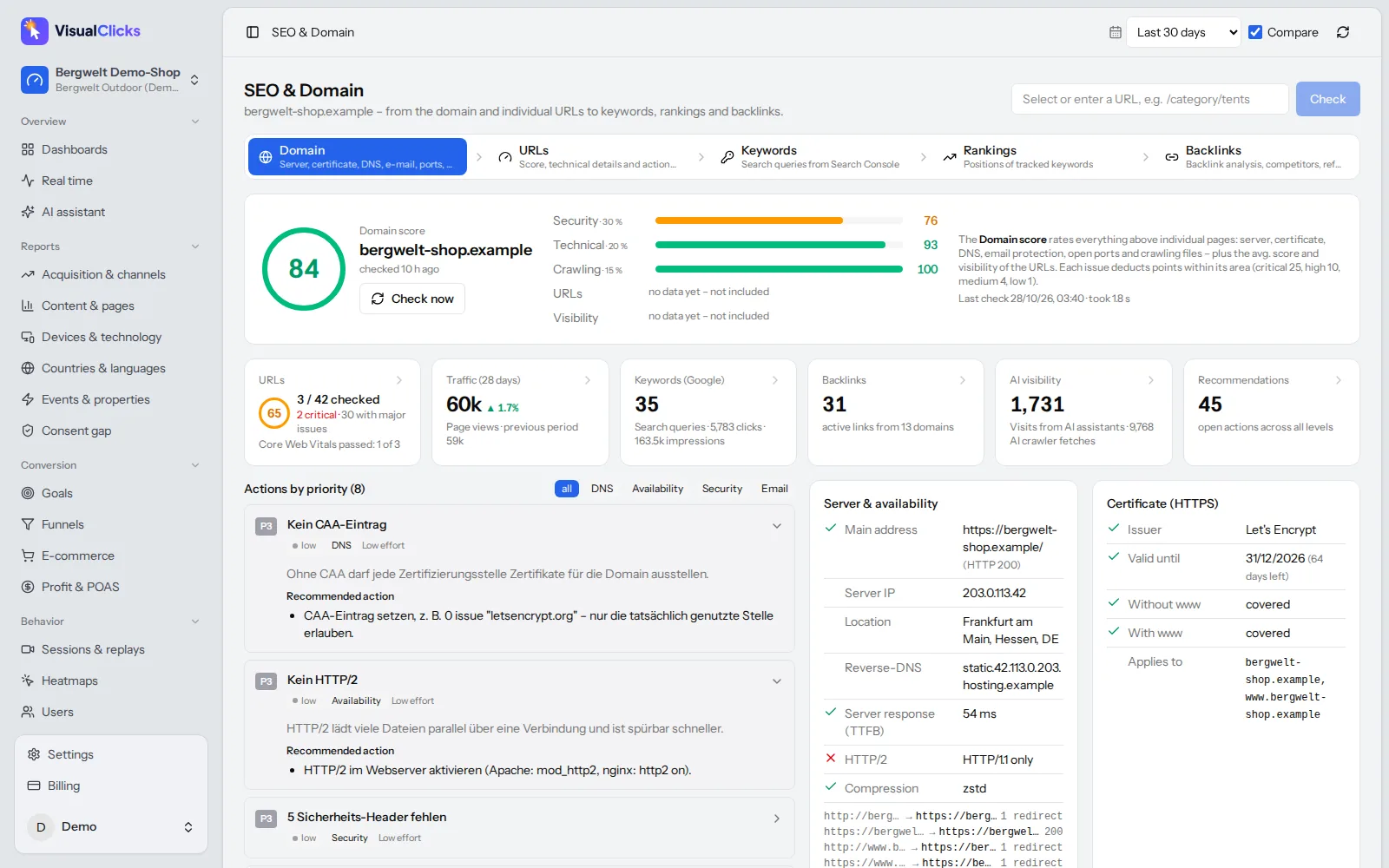
The VisualClicks SEO & domain check scans your domain regularly and sums up the result in a domain score. In the email section you see whether SPF and DMARC records exist and how they are configured. DKIM is not checked automatically, because it requires your sending service's selector – the header test above is the best way to verify it.
Beyond email, the domain check covers the certificate, DNS, security headers such as HSTS and Content-Security-Policy, robots.txt, sitemap and llms.txt. Recommendations are prioritised and can be exported as a PDF, which makes it easy to hand them to your hosting provider or IT team.
Once your emails arrive reliably, web analytics shows what they bring: email is its own channel, and campaigns are tracked via UTM parameters. You can try VisualClicks free for 7 days without a credit card.
Conclusion
SPF lists who may send, DKIM signs the message, and DMARC ties both to your visible From domain and tells receivers what to do when checks fail. Set up all three, start DMARC at p=none, read the reports, then move through quarantine to reject. The usual pitfalls – duplicate SPF records, more than 10 lookups and missing alignment with third-party senders – can be fixed in an afternoon with the checklist above.
Frequently asked questions
What is DMARC in simple terms?
DMARC is a DNS record that tells receiving mail servers what to do with messages that claim to come from your domain but fail authentication. It checks whether SPF or DKIM passed for the domain shown in the From header and sends you reports about who is sending mail in your name.
What is the difference between SPF, DKIM and DMARC?
SPF lists the servers allowed to send for your domain. DKIM adds a cryptographic signature that proves the message came from your domain and was not changed. DMARC links both to the visible From address, sets a policy for failures and enables reporting.
Why does DMARC fail when SPF and DKIM pass?
Usually because of missing alignment. SPF or DKIM passed for a third-party provider's domain rather than your From domain. Authenticating your own domain in the provider's settings, so DKIM signs with d=yourdomain, normally fixes it.
Which DMARC policy should I use?
Start with p=none to collect reports without affecting delivery. Once all legitimate senders pass and align, move to p=quarantine, optionally with pct to apply it gradually, and finally to p=reject for full protection against spoofing.
Do I need DMARC to send email to Gmail?
Bulk senders sending more than 5,000 messages a day to Gmail accounts must publish a DMARC record; a policy of p=none is enough. All senders need at least SPF or DKIM. Publishing DMARC is recommended for every domain that sends email.
More articles
 Privacy
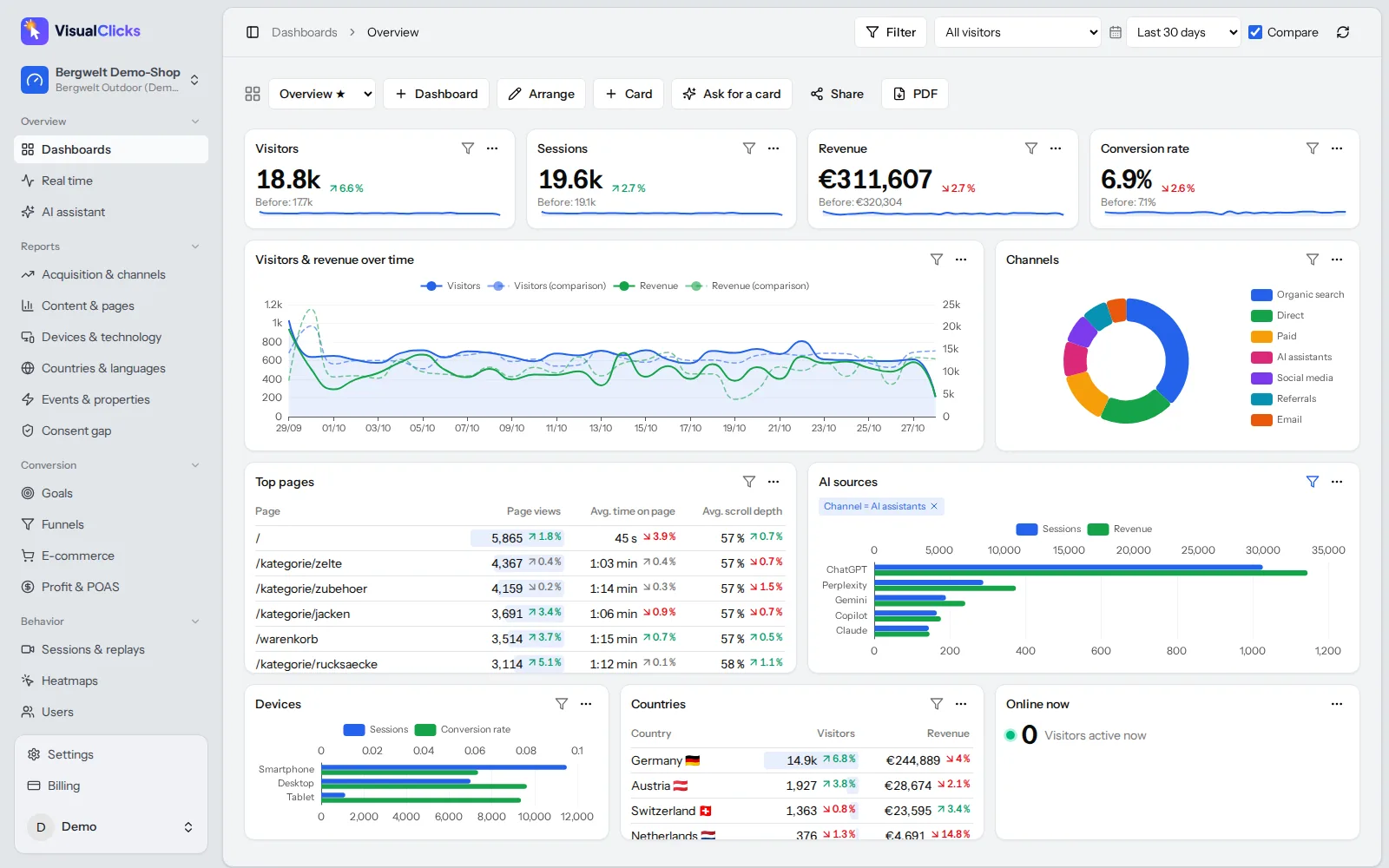
Google Analytics Alternative: 5 Tools Compared on the Facts
Why teams leave Google Analytics, what GDPR requires, how cookieless analytics works – and how GA4, Matomo, Plausible, Fathom and VisualClicks compare on verifiable facts.
Read more →
 AI visibility
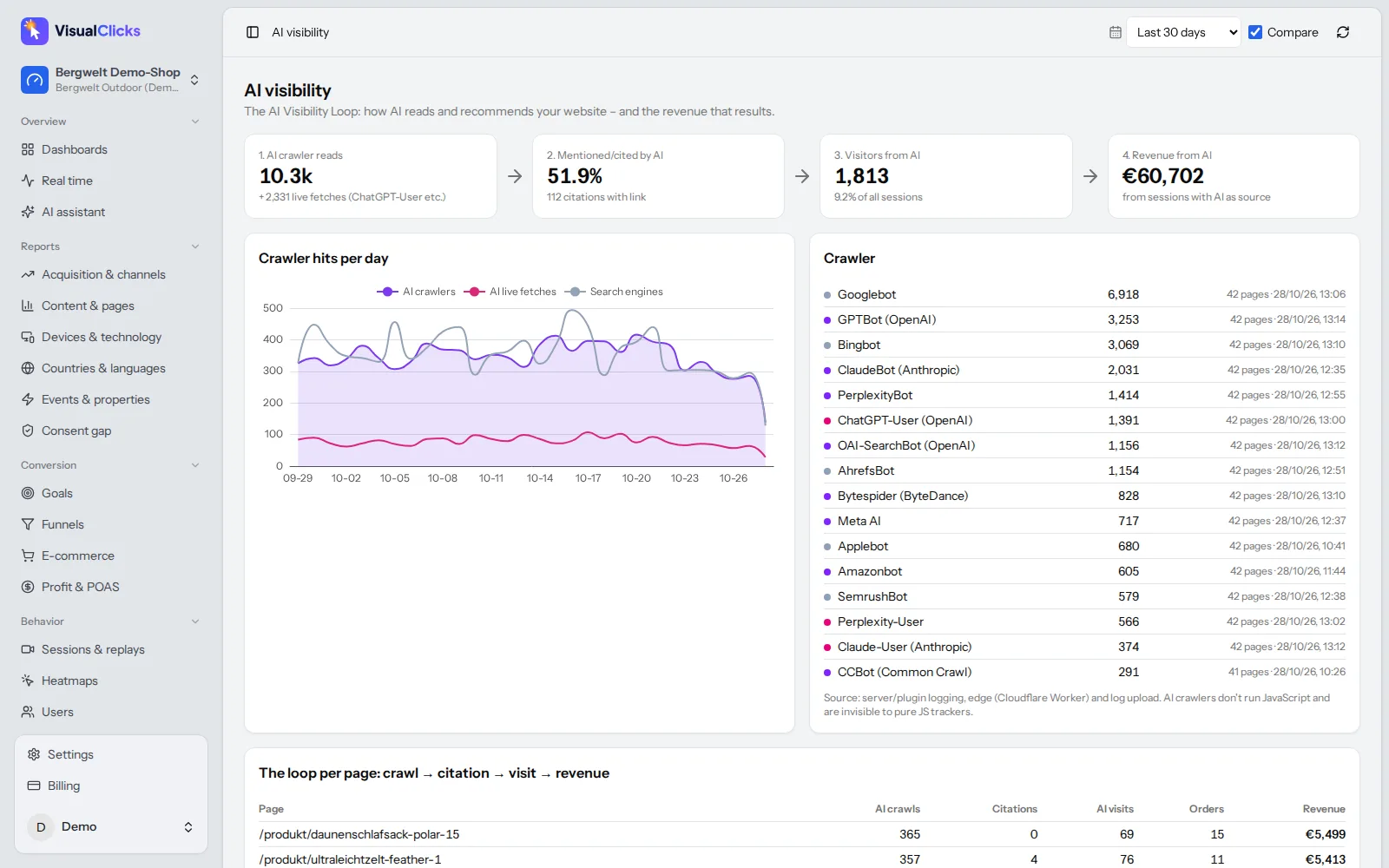
Generative Engine Optimization: How to Get Cited by AI
How AI assistants choose their sources, the seven levers that get you cited, and the tools you need to measure AI visibility on three levels.
Read more →
 Web analytics
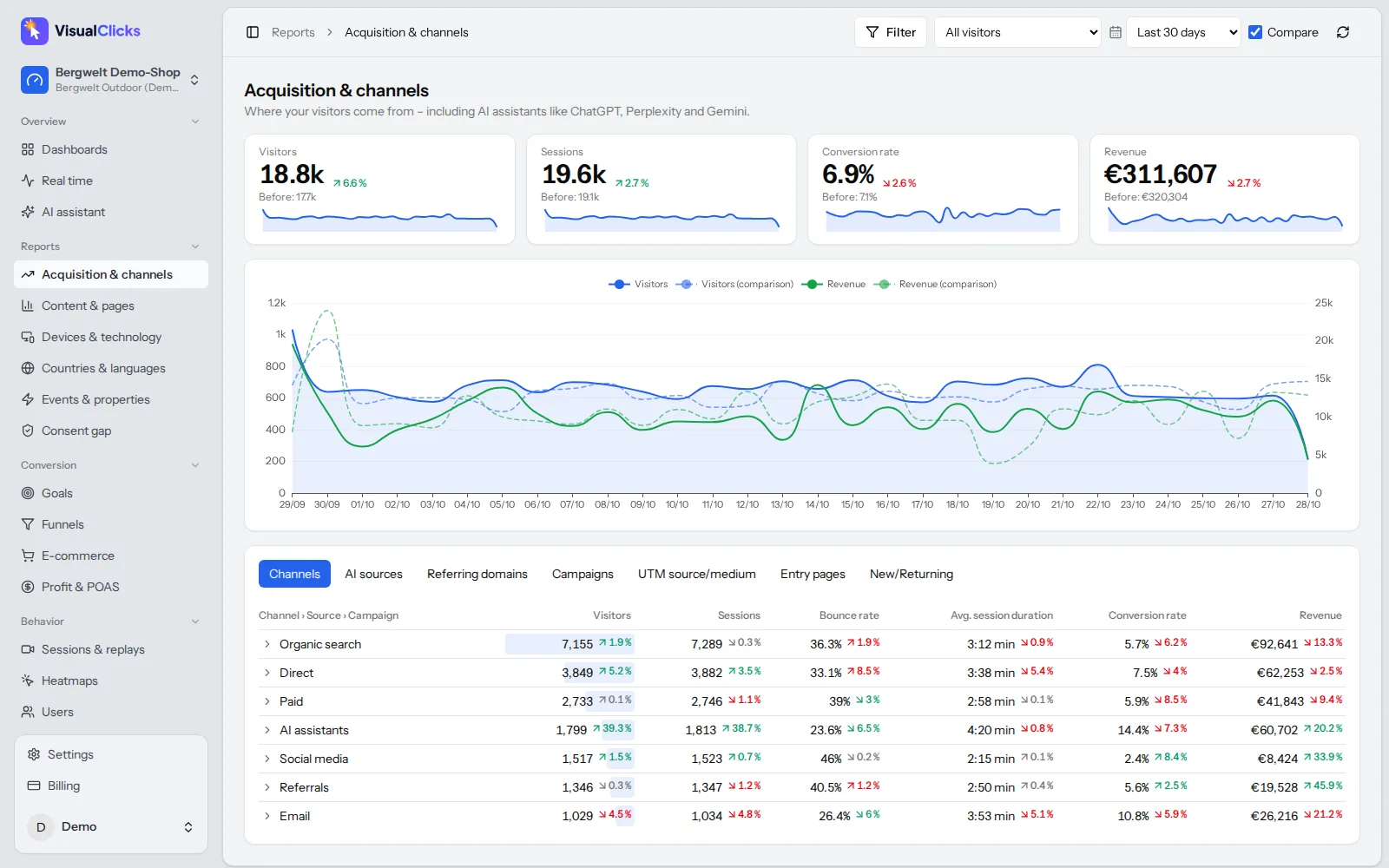
What Are UTM Parameters? Meaning, Examples and How to Use Them
What UTM parameters mean, how to build and name UTM links step by step and how to read them in Google Analytics – with a builder template, AI traffic tips and common mistakes.
Read more →
See your website through new eyes
Request your access. After that, one line of tracking code is all it takes – the first visits show up in real time.