
What Are UTM Parameters? Meaning, Examples and How to Use Them
What are UTM parameters? Learn what each tag means, how to build and name UTM links and how to read them in Google Analytics – with examples.
What are UTM parameters? They are short tags you add to the end of a link so your analytics tool knows exactly which email, social post or ad sent a visitor to your site. Without them, a big share of your campaign traffic ends up in vague buckets like "Direct" or "Referral", and you can't tell which channel actually pays off. This guide explains what each UTM parameter means, how to use UTM parameters step by step, the naming conventions that keep your data clean, and how to read the results in Google Analytics. You also get copy-ready examples, a list of common mistakes and a checklist.
What are UTM parameters? The short answer
UTM parameters are standardised key-value pairs in the query string of a URL. They tell an analytics tool the source, medium and campaign behind a visit. UTM stands for Urchin Tracking Module: Urchin was the analytics software Google acquired in 2005, which became Google Analytics. The name stuck, and today virtually every web analytics tool reads these parameters.
Here is what UTM parameters in a URL look like:
https://www.example-shop.com/autumn-sale?utm_source=newsletter&utm_medium=email&utm_campaign=autumn-sale-2026
Everything after the question mark changes nothing for the visitor: the page loads exactly as it would without it. Your analytics tool, however, reads the values on page load and attributes the visit to source "newsletter", medium "email" and campaign "autumn-sale-2026".
UTM parameters meaning: the five tags explained
There are five classic parameters. Three of them belong on every tagged link.
| Parameter | What it answers | Required? | Example values |
|---|---|---|---|
utm_source |
Who sent the visit? (platform, sender) | yes | newsletter, linkedin, google, partner-blog |
utm_medium |
Which type of channel? | yes | email, social, cpc, affiliate, qr |
utm_campaign |
Which campaign is it part of? | yes | autumn-sale-2026, product-launch-x |
utm_content |
Which variant or element was clicked? | optional | hero-button, banner-a, story-swipe |
utm_term |
Which keyword or audience? | optional | running-shoes-women, lookalike-1 |
Google Analytics 4 also supports utm_id (a campaign ID used for cost data imports), utm_source_platform, utm_creative_format and utm_marketing_tactic. Google's official URL builder documentation recommends always using utm_source, utm_medium and utm_campaign; missing values show up as "(not set)" in reports. For most websites, the five classic parameters are all you need.
The real meaning of UTM parameters: you decide how a visit is categorised. That matters most where the browser sends no useful referrer at all – email clients, mobile apps, PDFs, QR codes and messengers.
How to use UTM parameters: step by step
You can build a UTM link by hand, in a spreadsheet or with a URL builder. The process is always the same.
- Pick the destination URL. Use the exact landing page, including
https://, and avoid redirects that might strip parameters. - Add a question mark. The first parameter starts with
?. If the URL already contains one (e.g.?color=blue), append your UTM parameters with&. - Add the three required tags.
utm_source,utm_medium,utm_campaign, joined with&. - Add optional tags.
utm_contentto tell apart several links or variants in the same campaign;utm_termfor keywords or audiences. - Test the link. Open it in a browser, check that the page loads and that the parameters are still in the address bar after any redirect. Then check the real-time view of your analytics tool to confirm the visit arrives with the right values.
- Document it. Add the link to your central UTM sheet.
A simple UTM builder spreadsheet
For most teams a spreadsheet is the best UTM builder, because it doubles as documentation. Create these columns and build the final URL with a formula:
| Destination URL | utm_source | utm_medium | utm_campaign | utm_content | Final URL |
|---|---|---|---|---|---|
| https://www.example-shop.com/autumn-sale | newsletter | autumn-sale-2026 | hero-button | …/autumn-sale?utm_source=newsletter&utm_medium=email&utm_campaign=autumn-sale-2026&utm_content=hero-button | |
| https://www.example-shop.com/autumn-sale | social | autumn-sale-2026 | story-1 | …/autumn-sale?utm_source=instagram&utm_medium=social&utm_campaign=autumn-sale-2026&utm_content=story-1 | |
| https://www.example-shop.com/ | trade-show-flyer | qr | expo-2026 | back-page | …/?utm_source=trade-show-flyer&utm_medium=qr&utm_campaign=expo-2026&utm_content=back-page |
In Google Sheets or Excel, a formula like =A2&"?utm_source="&B2&"&utm_medium="&C2&"&utm_campaign="&D2&"&utm_content="&E2 does the job. Add columns for owner, launch date and notes if you like.
UTM examples for common channels
- Newsletter:
?utm_source=newsletter&utm_medium=email&utm_campaign=2026-11-black-friday&utm_content=product-tile-2 - Instagram bio link:
?utm_source=instagram&utm_medium=social&utm_campaign=bio-link - Employee LinkedIn post:
?utm_source=linkedin&utm_medium=social&utm_campaign=gdpr-whitepaper&utm_content=post-anna - Guest post on a partner blog:
?utm_source=partner-blog-name&utm_medium=referral&utm_campaign=guest-post-2026 - QR code on packaging:
?utm_source=packaging&utm_medium=qr&utm_campaign=reorder
Naming conventions that keep your data clean
UTM values are case-sensitive. To Google Analytics, Newsletter and newsletter are two different sources, and your report splits into fragments. These rules work in practice:
- Lowercase only. Google explicitly recommends lowercase as the standard.
- Hyphens instead of spaces. Spaces become
%20or+and break easily. Underscores work too – just pick one. - No special characters. No
&,#or?inside values, and avoid accented letters. - A fixed list for
utm_medium. Agree once onemail,social,cpc,display,affiliate,referral,qr. New values only after discussion. Most tools use these standard values for automatic channel grouping. - Readable, sortable campaign names. A pattern like
year-month-topic(e.g.2026-11-black-friday) sorts itself in reports. - Source = platform, not format.
utm_source=instagram; the format (story, reel) goes intoutm_content. - No personal data. Email addresses or customer IDs don't belong in UTM values – they end up in server logs and analytics reports.
UTM parameters for Google Ads and Facebook ads
Google Ads
For Google Ads you usually don't need manual UTM parameters. With auto-tagging on, Google Ads appends a gclid parameter to the landing page URL, and Google Analytics pulls campaign, ad group and keyword from the linked account. According to the Google Ads help page on auto-tagging, auto-tagging takes priority over manual tagging in GA4.
Manual UTM tags still make sense if you analyse traffic outside Google Analytics – for example in another analytics tool that can't resolve the gclid. In that case, add them via the tracking template or the "Final URL suffix" at account or campaign level, ideally with ValueTrack parameters: utm_source=google&utm_medium=cpc&utm_campaign={campaignid}&utm_term={keyword}.
Facebook and Instagram (Meta)
Facebook UTM parameters go into the "URL parameters" field at ad level in Meta Ads Manager. Dynamic placeholders such as {{campaign.name}}, {{adset.name}} and {{ad.name}} are filled in automatically. If you use them, make sure your campaign names follow your naming convention as well – otherwise capital letters and spaces sneak into your data through the back door.
Google Analytics UTM parameters: where to find your data
In Google Analytics 4, go to Reports › Acquisition › Traffic acquisition. Switch the primary dimension to "Session campaign" or "Session source / medium". With the "+" button you can add a secondary dimension such as "Session manual ad content", which is your utm_content.
A fixed routine makes the analysis reliable:
- Isolate the campaign: filter on
utm_campaign. - Compare channels: which source/medium brings the most sessions – and which brings the most conversions?
- Compare variants:
utm_contentshows whether the top button or the text link at the bottom performs better. - Compare with a baseline: always judge a campaign against the previous period.
- Judge revenue, not clicks: for online shops, what counts is what sold. Our guide on ROAS calculation shows how to evaluate ad spend in money terms.
Keep in mind that GA4 maps visits to its default channel groups based on utm_source and utm_medium. Unusual medium values like newsletter-mail quickly end up as "Unassigned" – one more reason for a fixed list.
AI traffic: what utm_source=chatgpt.com means
As AI assistants started citing sources, a new value began showing up in many reports: utm_source=chatgpt.com. You don't add it yourself – ChatGPT appends it to many of the links it cites in answers. That's useful, because it makes AI traffic visible in the first place.
Two things to keep in mind:
- Not every AI click is tagged. Some assistants only pass a referrer, some pass nothing. Without a UTM tag or referrer, the visit shows up as "Direct". The true share of AI traffic is therefore usually higher than individual UTM values suggest.
- Default channel groups hide AI. A visit with
utm_source=chatgpt.comand noutm_mediumis often classified as referral or not classified cleanly at all. Create a dedicated channel group or filter for AI sources.
If you want AI assistants to cite you more often, read our guide to Generative Engine Optimization.
Common UTM mistakes to avoid
- UTM parameters on internal links. The most common and most expensive mistake. If you tag banners or menu links on your own site, you overwrite the real source: the conversion gets credited to your internal "campaign" instead of the newsletter or search engine that brought the visitor. Depending on the tool, a new session may even start. Track internal clicks with events instead.
- Inconsistent spelling.
Facebook,facebook,fbandfacebook.comare four sources. Decide once, then stick to it. - Redirects that drop parameters. Some link shorteners and server redirects (e.g.
httptohttps, or non-wwwtowww) strip the query string. Always test the final URL. - Missing
utm_medium. Without a medium, no tool can determine the channel properly. - Tagged URLs getting indexed. If partner sites link to your pages with UTM parameters, those URLs can appear in Google. A canonical tag pointing to the clean URL prevents duplicate content.
- Personal data in values. No email addresses, no IDs that identify a person.
- No documentation. Three months later, nobody remembers what
campaign-new-2was.
Checklist: test any UTM link in 60 seconds
-
utm_source,utm_mediumandutm_campaignare set - All lowercase, no spaces, no special characters
- Medium value comes from your fixed list
- Campaign name follows the
year-month-topicpattern - First parameter starts with
?, all others with& - Link tested in a browser, parameters survive redirects
- Visit shows up in real time with the correct values
- Link documented in your UTM sheet
- No UTM parameters on internal links
How VisualClicks helps you analyse campaigns
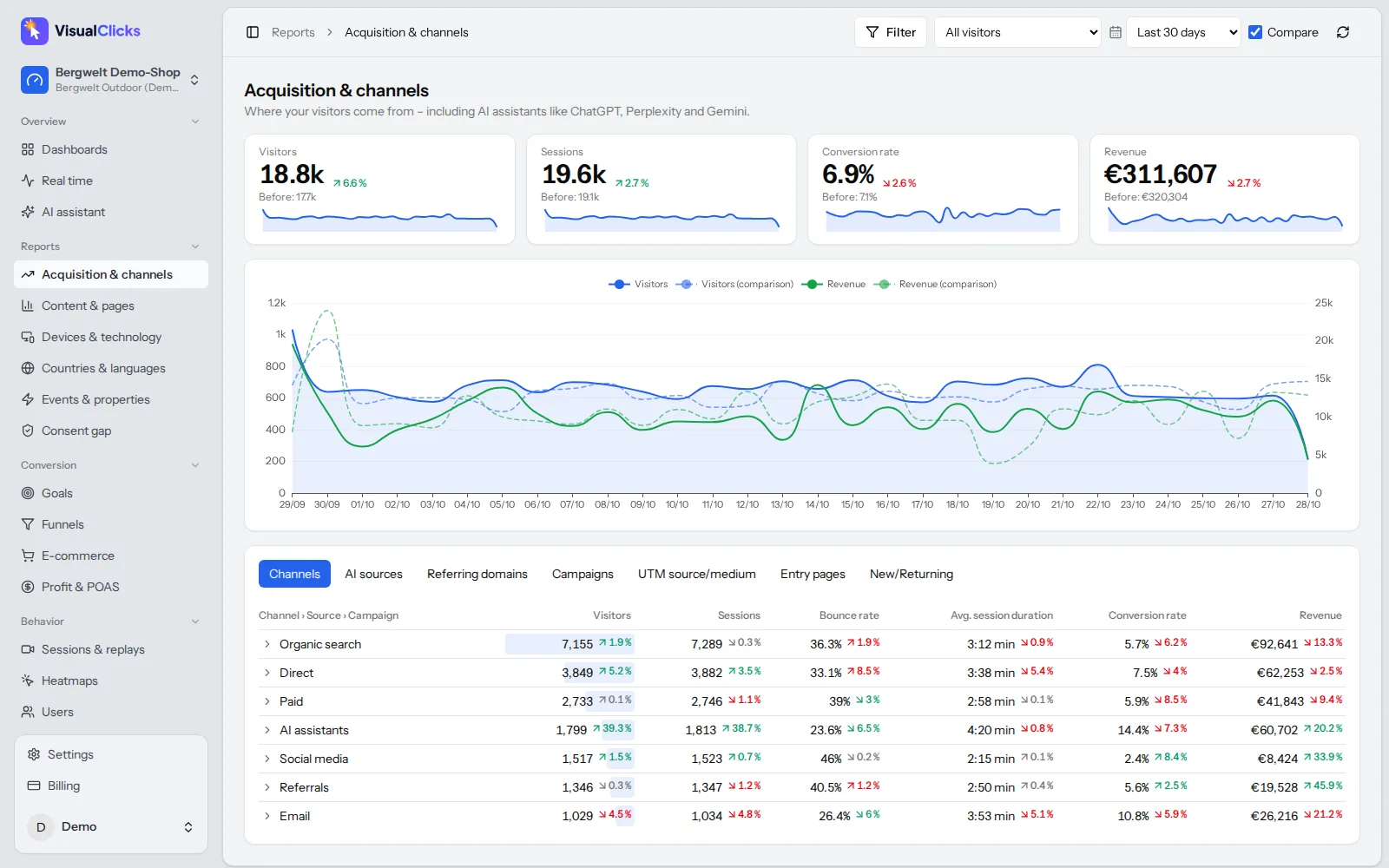
Clean UTM links are half the job; the other half is a report that answers your questions quickly. In VisualClicks Web Analytics, the "Sources & channels" report shows every campaign from utm_source, utm_medium, utm_campaign, utm_content and utm_term – side by side with search, direct, social, referral and email traffic.
In practice:
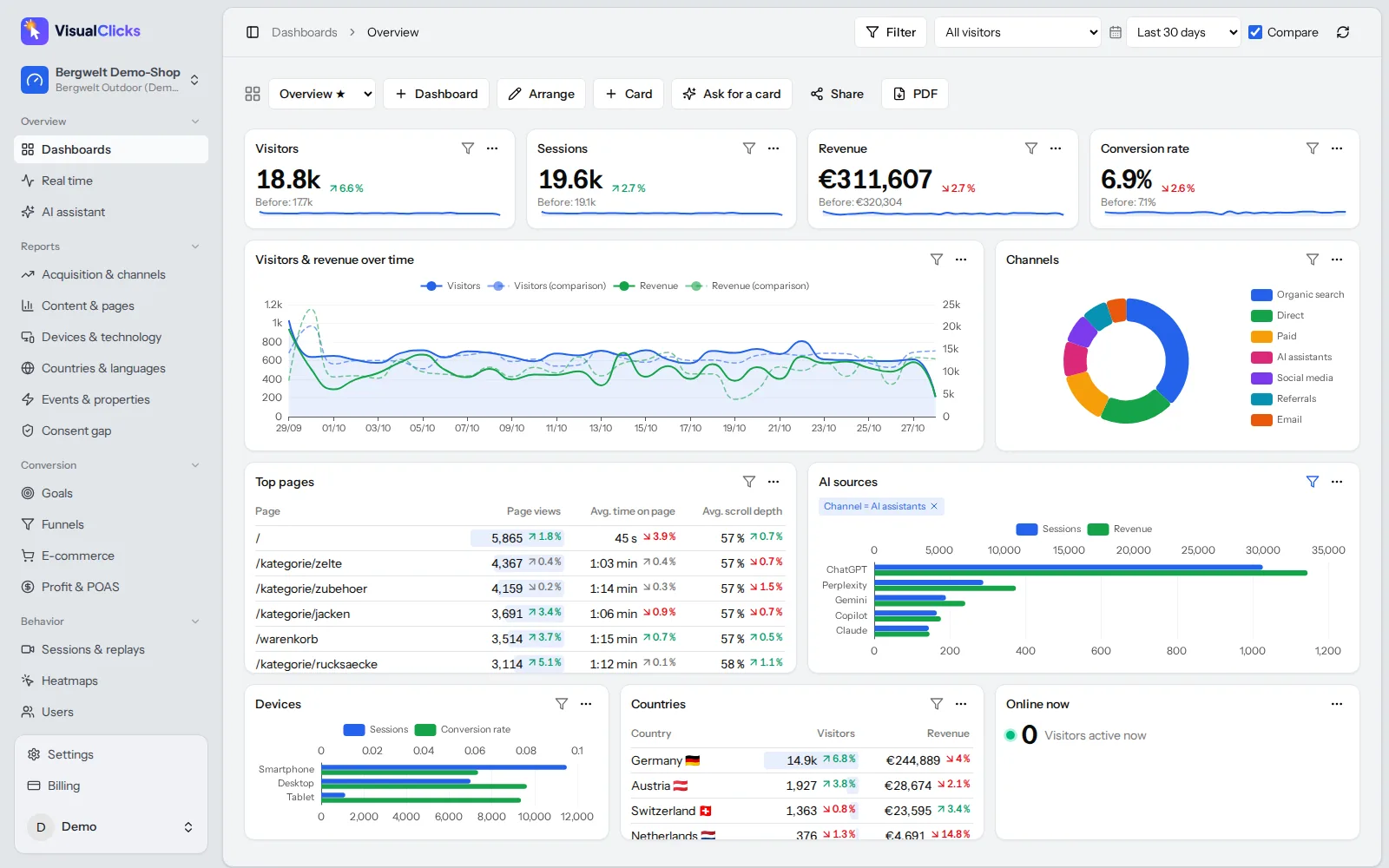
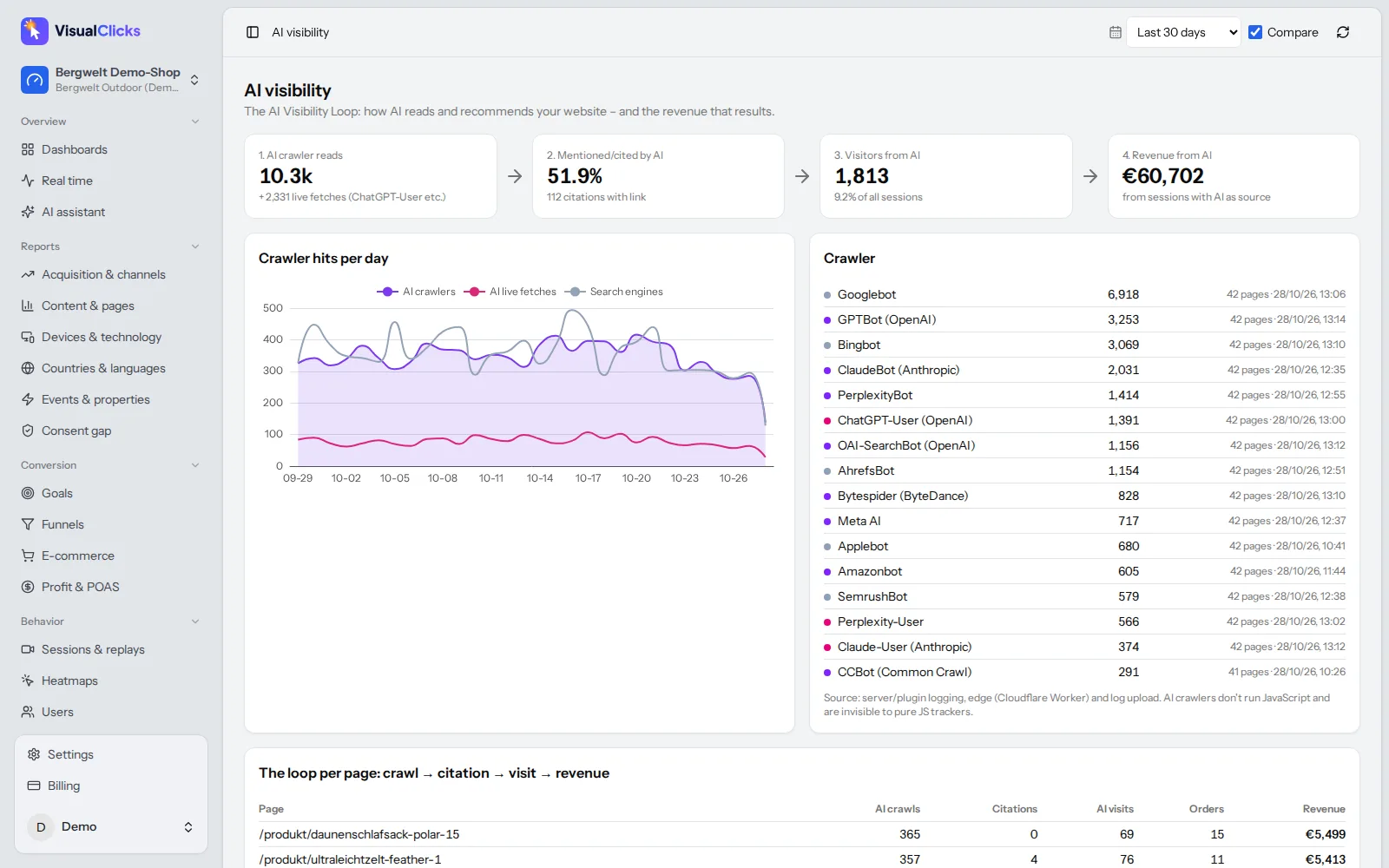
- AI assistants as their own channel. Visits from ChatGPT, Perplexity, Gemini, Copilot and Claude are grouped into a dedicated channel instead of being buried under referrals. Learn more on the AI visibility page.
- Filters and comparisons. Filter on a single campaign, compare it with the previous period and see which
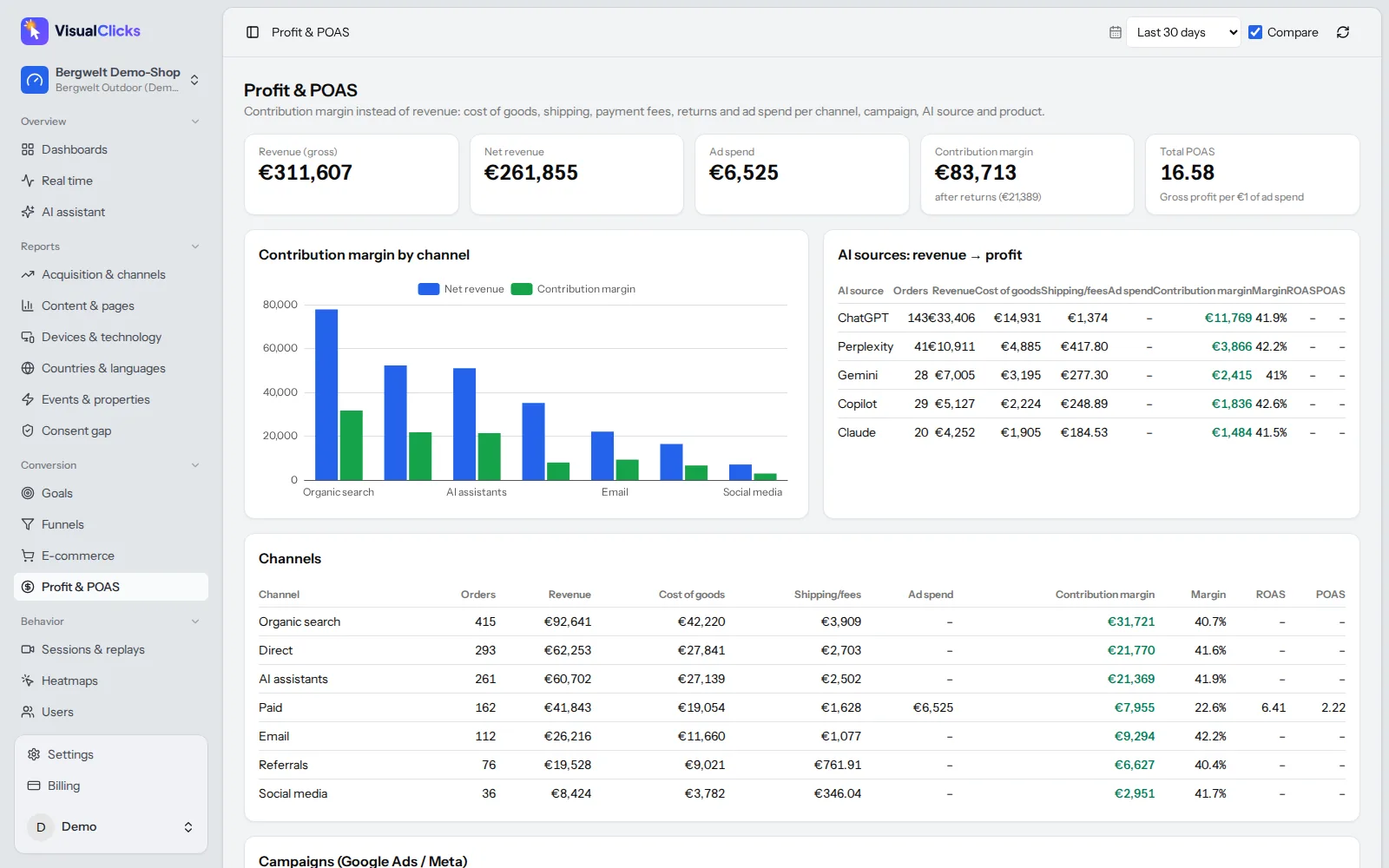
utm_contentvariant drives more conversions. - Revenue per campaign. With e-commerce analytics, shops see revenue, contribution margin and POAS per channel and campaign; ad costs can be imported from Google Ads and Meta Ads.
- Cookieless by default. In its default mode, VisualClicks measures without cookies and never stores IP addresses, hosted in Germany. Campaign visits don't disappear just because someone declines a cookie banner.
Conclusion
UTM parameters are the simplest way to make marketing measurable: three required values, a handful of naming rules and a maintained list are enough. Use lowercase consistently, keep internal links free of UTM tags and test every link before it goes out, and you'll get data you can base budget decisions on. Start with your next campaign – and set up a view for the AI channel while you're at it, because it isn't going to get smaller.
Frequently asked questions
What are UTM parameters?
UTM parameters are tags added to the end of a URL, such as utm_source=newsletter. They tell your analytics tool which source, medium and campaign a visit came from. The page itself looks the same to the visitor.
Which UTM parameters are required?
None are technically required, but you should always set utm_source, utm_medium and utm_campaign. Without them, Google Analytics shows values like "(not set)" and can't assign the visit to a channel properly. utm_content and utm_term are optional.
Are UTM parameters case-sensitive?
Yes. Google Analytics treats "Newsletter" and "newsletter" as two different sources. Use lowercase consistently and hyphens instead of spaces.
Do UTM parameters affect SEO?
UTM parameters don't change your rankings by themselves. Tagged URLs can get indexed if other sites link to them, so make sure your pages have a canonical tag pointing to the clean URL. Never add UTM parameters to internal links.
Do I need UTM parameters for Google Ads?
If Google Ads is linked to Google Analytics and auto-tagging is on, usually not – the gclid parameter carries the campaign data. Manual UTM tags are useful if you analyse Google Ads traffic in a different analytics tool.
More articles
 Privacy
Google Analytics Alternative: 5 Tools Compared on the Facts
Why teams leave Google Analytics, what GDPR requires, how cookieless analytics works – and how GA4, Matomo, Plausible, Fathom and VisualClicks compare on verifiable facts.
Read more →
 AI visibility
Generative Engine Optimization: How to Get Cited by AI
How AI assistants choose their sources, the seven levers that get you cited, and the tools you need to measure AI visibility on three levels.
Read more →
 E-commerce
ROAS Calculation: Formula, Break-Even ROAS and POAS Explained
ROAS is quick to calculate but says nothing about profit. Break-even ROAS and POAS show which campaigns actually make money.
Read more →
See your website through new eyes
Request your access. After that, one line of tracking code is all it takes – the first visits show up in real time.