
Google Analytics Alternative: 5 Tools Compared on the Facts
Looking for a Google Analytics alternative? Compare GA4, Matomo, Plausible, Fathom and VisualClicks on GDPR, cookies, hosting and features. Find your fit.
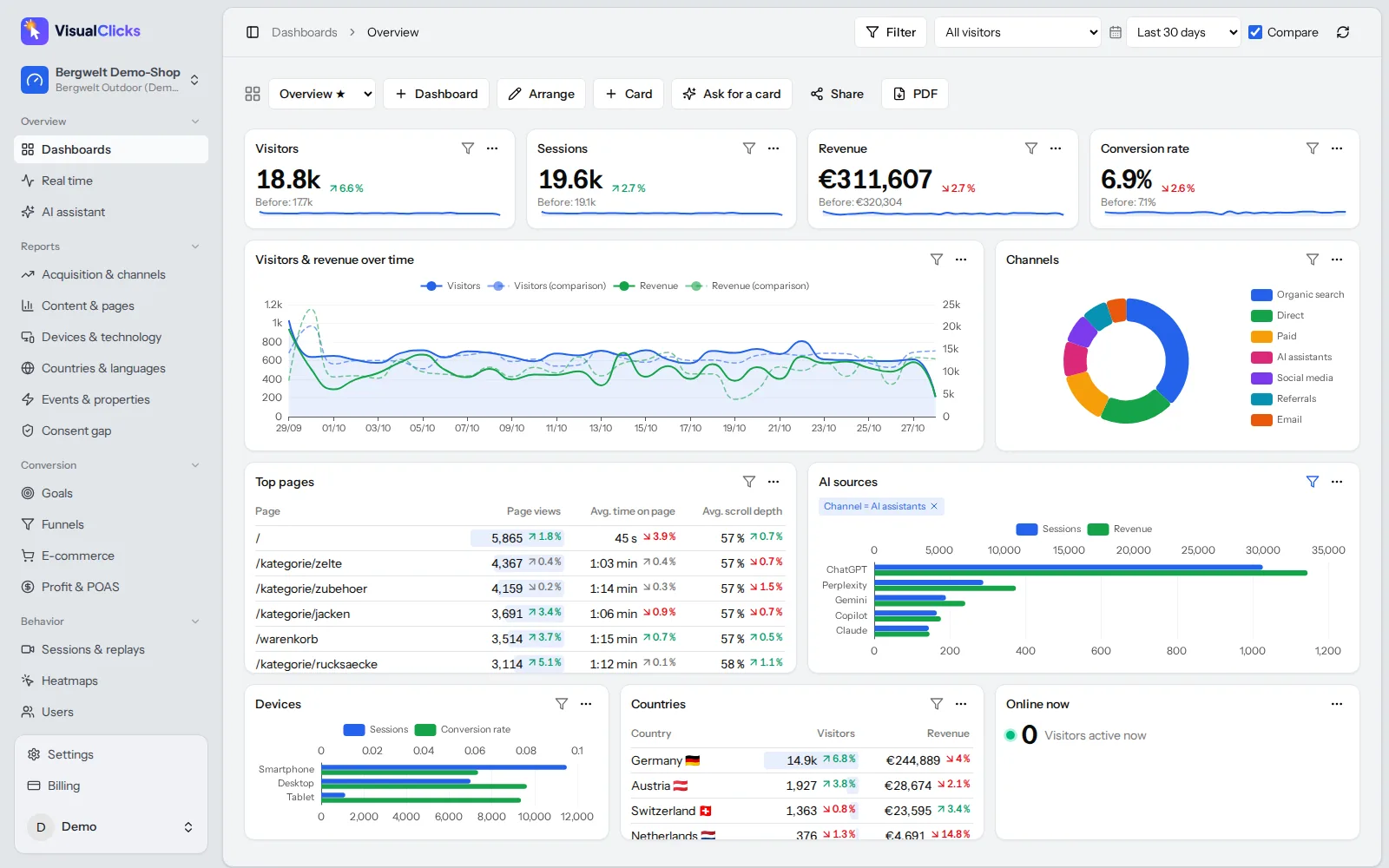
If you're looking for a Google Analytics alternative, you probably have one of three reasons: GDPR and cookie banner worries, data gaps because many visitors decline consent, or a GA4 setup that has become too complex for the questions you actually ask. This guide gives you a clear, vendor-neutral overview: what the legal debate is really about, which criteria matter when choosing an alternative to Google Analytics, how cookieless analytics works and how GA4, Matomo, Plausible, Fathom and VisualClicks compare on verifiable facts. By the end you'll know which tool fits your use case and how to switch without losing data.
Why teams look for an alternative to Google Analytics
Google Analytics 4 is free, powerful and everywhere. Still, many site and shop owners move away from it. The reasons are remarkably consistent:
- Consent requirements and missing data. GA4 relies on cookies, so in the EU and UK it needs prior consent. Visitors who decline either don't appear in your reports or appear only as modelled estimates. Depending on your audience and banner design, a noticeable share of real visits – and the revenue you want to attribute to campaigns – goes missing.
- Data transfers to the US. Google is a US company. The EU-US Data Privacy Framework has provided a legal basis for transfers since 2023, but many organisations simply prefer to keep analytics data out of that discussion altogether.
- Complexity. Since the move from Universal Analytics to GA4, many everyday questions require explorations or custom reports. Small teams spend time on the tool instead of on decisions.
- Data ownership. Some businesses don't want to share behavioural data with an advertising company and prefer vendors that only process data on their behalf.
Is Google Analytics GDPR compliant?
Two sets of rules come into play when you ask whether Google Analytics is GDPR compliant.
1. The ePrivacy rules. Article 5(3) of the ePrivacy Directive requires consent for storing or accessing information on a user's device – cookies, local storage and similar technologies – unless it is strictly necessary for a service the user explicitly requested. Analytics cookies generally don't qualify for that exemption. EU member states implement this in national law (Germany, for example, in the TDDDG), and the UK has its own PECR rules.
2. The GDPR. Processing personal data such as IP addresses or online identifiers needs a legal basis; for Google Analytics, that is consent in practice. Then there's the transfer question: under the EU adequacy decision for the EU-US Data Privacy Framework of July 2023, personal data may flow to certified US companies such as Google. Before that, several European data protection authorities had objected to specific uses of Google Analytics. The framework remains contested, and further court challenges are possible.
Bottom line: you can run Google Analytics in a GDPR compliant way with valid consent, a data processing agreement and careful configuration. Without consent you may not load it – and that's exactly where the data gaps come from.
Note: this section is a general overview, not legal advice. For your specific situation, talk to your data protection officer or a qualified lawyer.
What makes analytics privacy friendly: the criteria
Before comparing tools, get clear on what you need. These criteria separate genuinely privacy friendly analytics from marketing claims:
- Measurement without consent. Can the tool measure without cookies, and how does it recognise returning visitors? Is there an optional consent-based mode for deeper analysis?
- Company location and hosting. Where is the vendor based, where are the servers, who can access the data? An EU vendor with EU hosting makes your documentation simpler.
- No personal data stored. Are IP addresses discarded or stored? Are identifiers rotated?
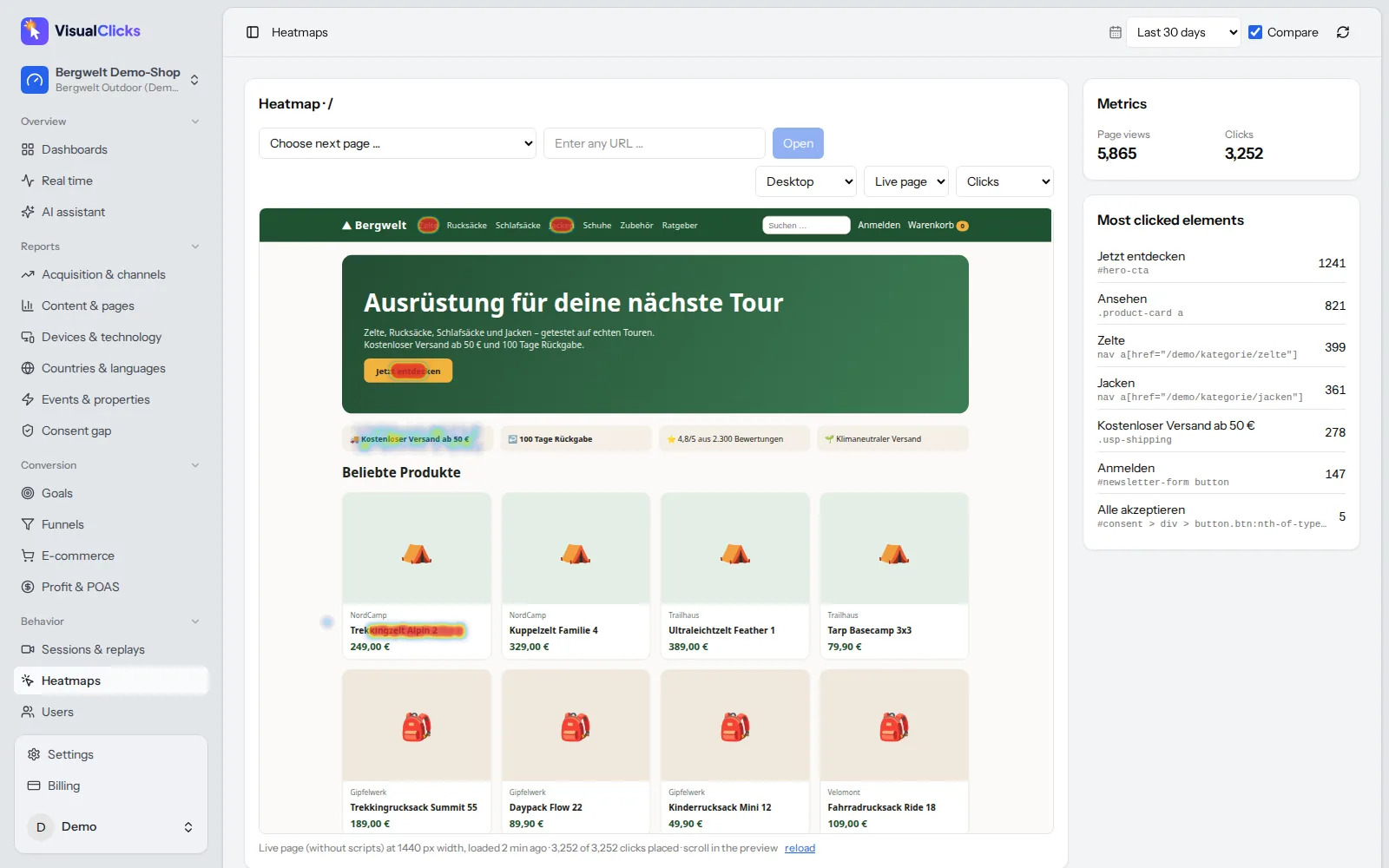
- Feature depth. Are visitors, pages and sources enough, or do you need funnels, e-commerce reports, heatmaps and session replays?
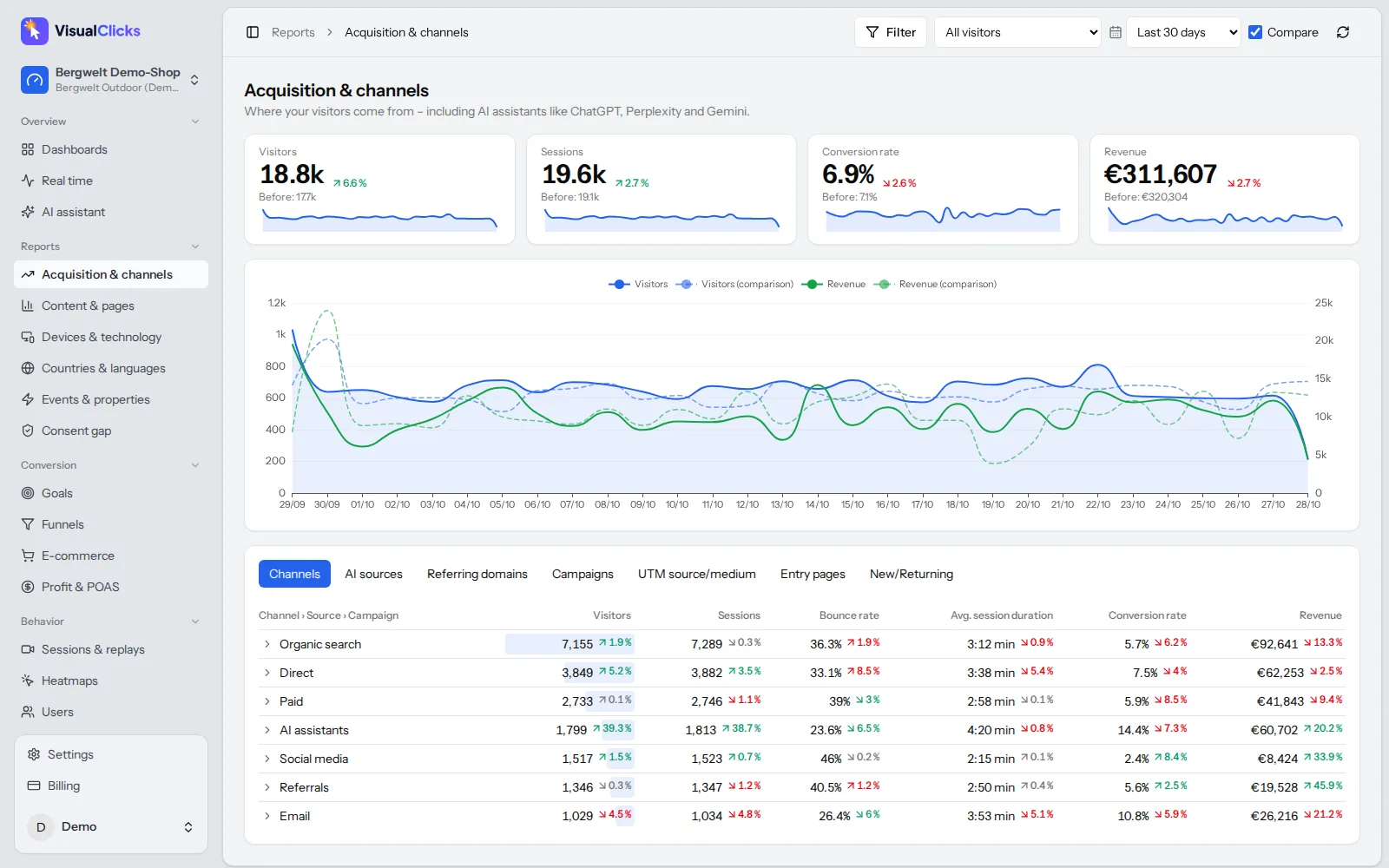
- Campaign and ad data. Does it read all UTM parameters? Can you import ad costs to calculate ROAS or margin?
- Effort. Self-hosting gives you full control, but also updates, backups, server capacity and security. A hosted service handles that for you.
- History. Can you import historical GA4 data so year-over-year comparisons keep working?
Cookieless analytics: how it works
Cookieless analytics means the tool stores nothing in the visitor's browser to recognise them. Instead, it groups page views using information the browser sends with every request anyway.
A common approach: an anonymous hash is created from the IP address, the browser's user agent and a secret value that changes every day. Within one day, the same visitor produces the same hash; the next day, a different one. The IP address itself is not stored.
That has trade-offs you should know about:
| What cookieless analytics can do | What it can't do |
|---|---|
| Count visits, page views, sources, campaigns, devices, countries | Recognise a visitor across several days |
| Analyse sessions and paths within a day | Measure across devices |
| Attribute conversions and revenue to the session's channel | Stitch together journeys that span weeks |
For most questions – where do visitors come from, which pages work, which campaign sells – cookieless analytics is all you need. Multi-day analysis or session replays require consent on top. One caveat: whether a specific cookieless method can run entirely without consent depends on how it is implemented. Ask the vendor to document it.
Google Analytics alternatives compared
The table compares popular options on verifiable characteristics. Status: October 2026. Features and terms change, so always confirm details with the vendor.
| Google Analytics 4 | Matomo | Plausible | Fathom | VisualClicks | |
|---|---|---|---|---|---|
| Company based in | USA (Google) | New Zealand (InnoCraft) | Estonia | Canada | Germany |
| Data stored | Google infrastructure | your own server or Matomo Cloud (Europe) | Germany (per vendor) | EU visitors on EU servers (per vendor) | Germany |
| Cookies by default | yes | yes, can be disabled | no | no | no |
| Open source / self-hosting | no | yes (GPL) | yes (Community Edition, AGPL) | no | no, SaaS |
| Heatmaps & session replays | no | as a paid add-on | no | no | yes |
| Free option | yes | yes (on-premise) | yes (self-hosted) | no | 7-day free trial |
Short profiles
- Google Analytics 4: very comprehensive, tightly integrated with Google Ads, free. Downsides: consent requirement, steep learning curve, data held by a US company.
- Matomo: the long-standing open source option, self-hosted or cloud. Functionally close to GA, but self-hosting comes with maintenance. To measure without consent, you have to configure it to run without cookies.
- Plausible: lightweight, cookieless, open source. Great if you want your core metrics on a single page. For heatmaps or session replays you'll need additional tools.
- Fathom: also lightweight and cookieless, hosted, with EU isolation for European visitors. Not open source.
- VisualClicks: cookieless web analytics from Germany, combined with heatmaps, session replays, funnels and e-commerce analytics in one tool.
Which is the best Google Analytics alternative for you?
There is no single best Google Analytics alternative – there's the best fit for your questions. A rough guide:
- Blog, portfolio or small business site: you need visitors, top pages and sources. A lightweight cookieless tool is enough.
- You want full control and have DevOps capacity: a self-hosted open source tool like Matomo or Plausible Community Edition.
- Online shop or lead-gen business: you need campaigns tied to revenue, funnels to find drop-offs, and ideally heatmaps and replays to see why users drop off. Look for a tool that combines these, otherwise you'll stitch together three products.
- Heavy Google Ads user: GA4's native integration is a real advantage. If you switch, check how ad costs and conversions reach the new tool.
How to switch from Google Analytics in eight steps
- Define your questions. Which five to ten questions must your analytics answer? They determine the reports and events you need.
- Run both in parallel. Add the new tool alongside GA4 for at least two to four weeks.
- Don't expect identical numbers. A cookieless tool also counts visitors that GA4 never sees, so higher visitor numbers are normal, not an error.
- Recreate goals and events. Set up conversion goals, e-commerce events and funnels in the new tool.
- Keep your UTM conventions. Clean UTM parameters work the same in every tool and keep campaigns comparable.
- Preserve history. Import GA4 data if the tool supports it, or export your key reports.
- Update your privacy policy and consent banner. Remove GA4 from your consent manager once it's switched off and describe the new tool accurately.
- Turn off GA4. Only once the new setup is stable.
If you also run Microsoft Clarity, check its consent requirements too – see our Microsoft Clarity guide.
How VisualClicks helps you move on from Google Analytics
VisualClicks is built for teams that want privacy friendly analytics without giving up depth.
- Cookieless by default. Visitors are recognised only within one day via a daily-rotating anonymous hash of IP and browser; the IP address is never stored. The cookieless mode doesn't need a cookie banner. Hosted in Germany, with a tracking script of about 5 KB.
- Three consent modes. "Cookieless", "Consent" (with consent: recognition across days, login linking, session replays) or "Own consent manager". Details on our privacy-friendly tracking page.
- The consent gap, quantified. The "Consent gap" report shows how many visits, orders and how much revenue you only see thanks to cookieless measurement.
- More than traffic counts. Card-based dashboards, filters, segments, real time, anomaly detection and an AI assistant in web analytics, plus heatmaps, session replays and funnels.
- GA4 history import. Bring your existing Google Analytics 4 data with you, so comparisons with last year still work.
You can try VisualClicks free for 7 days without a credit card; plans start at €29 per month (pricing).
Conclusion
A Google Analytics alternative pays off when consent rates cost you data, when you want to keep analytics data in the EU, or when GA4 eats too much of your time. Lightweight tools like Plausible or Fathom cover core metrics, Matomo offers open source and self-hosting, and if you need analytics, heatmaps, replays and e-commerce profit in one place, compare all-in-one solutions. Run at least two candidates in parallel – your own data is the best decision criterion.
Frequently asked questions
Is Google Analytics GDPR compliant?
Google Analytics can be used in a GDPR compliant way if visitors consent first, a data processing agreement is in place and the tool is configured carefully. Without consent you may not load it under the ePrivacy rules. Transfers to the US currently rely on the EU-US Data Privacy Framework. This is not legal advice.
What is the best free Google Analytics alternative?
Matomo On-Premise and the Plausible Community Edition are free if you host them on your own servers. In return you handle installation, updates, backups and security yourself. Hosted alternatives usually charge a monthly fee.
Do I still need a cookie banner without Google Analytics?
It depends on every service on your site. If your analytics tool is cookieless and doesn't store or read anything on the device, analytics no longer needs consent. Other services such as ad pixels or embedded videos may still require it.
Why does a cookieless tool show more visitors than GA4?
GA4 only records visitors who consented, or estimates the rest through modelling. A cookieless tool also counts visitors who decline or ignore the banner. Higher numbers are therefore expected, not a measurement error.
Can I keep my Google Analytics data when I switch?
Some alternatives can import historical GA4 data, VisualClicks among them. Otherwise, export your key reports before switching GA4 off so year-over-year comparisons remain possible.
More articles
 Privacy
What Is Microsoft Clarity? Features, Heatmaps and GDPR
What Microsoft Clarity does, how its heatmaps and recordings work, which cookies it sets and what its consent mode requires for EU visitors.
Read more →
 AI visibility
Generative Engine Optimization: How to Get Cited by AI
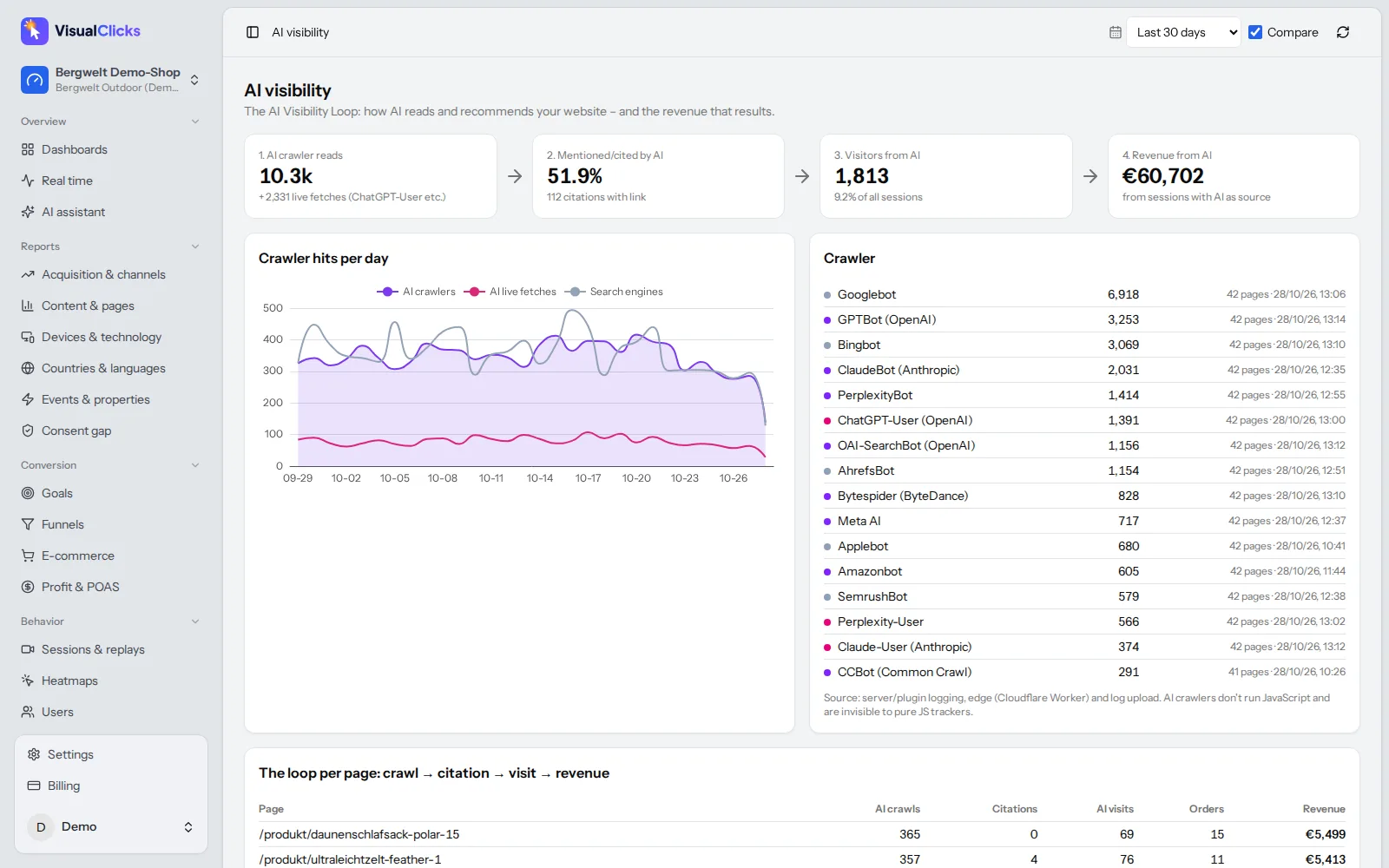
How AI assistants choose their sources, the seven levers that get you cited, and the tools you need to measure AI visibility on three levels.
Read more →
 Web analytics
What Are UTM Parameters? Meaning, Examples and How to Use Them
What UTM parameters mean, how to build and name UTM links step by step and how to read them in Google Analytics – with a builder template, AI traffic tips and common mistakes.
Read more →
See your website through new eyes
Request your access. After that, one line of tracking code is all it takes – the first visits show up in real time.