
VisualClicks for WordPress – cookieless analytics in two minutes
One plugin, one API token, done. Page views, sources, heatmaps and session replays for your blog, company website or landing page – no code in the theme, cookieless without consent.
Version 1.0.0 · ZIP, 61 KB · for WordPress 6.6–7.1 · free
Website: Meine Website (vc_…) · www.example
  tag on · consent cookieless · admins excluded
// tag        script loaded with defer
// consent    WP Consent API · Consent Mode v2
// replays    with consent · inputs masked
What the plugin tracks
Tracking without code
No theme edits: the plugin adds the tracking tag itself – also with WP Rocket, LiteSpeed Cache & co. Page views, clicks and scroll depth work right away.
Heatmaps and session replays
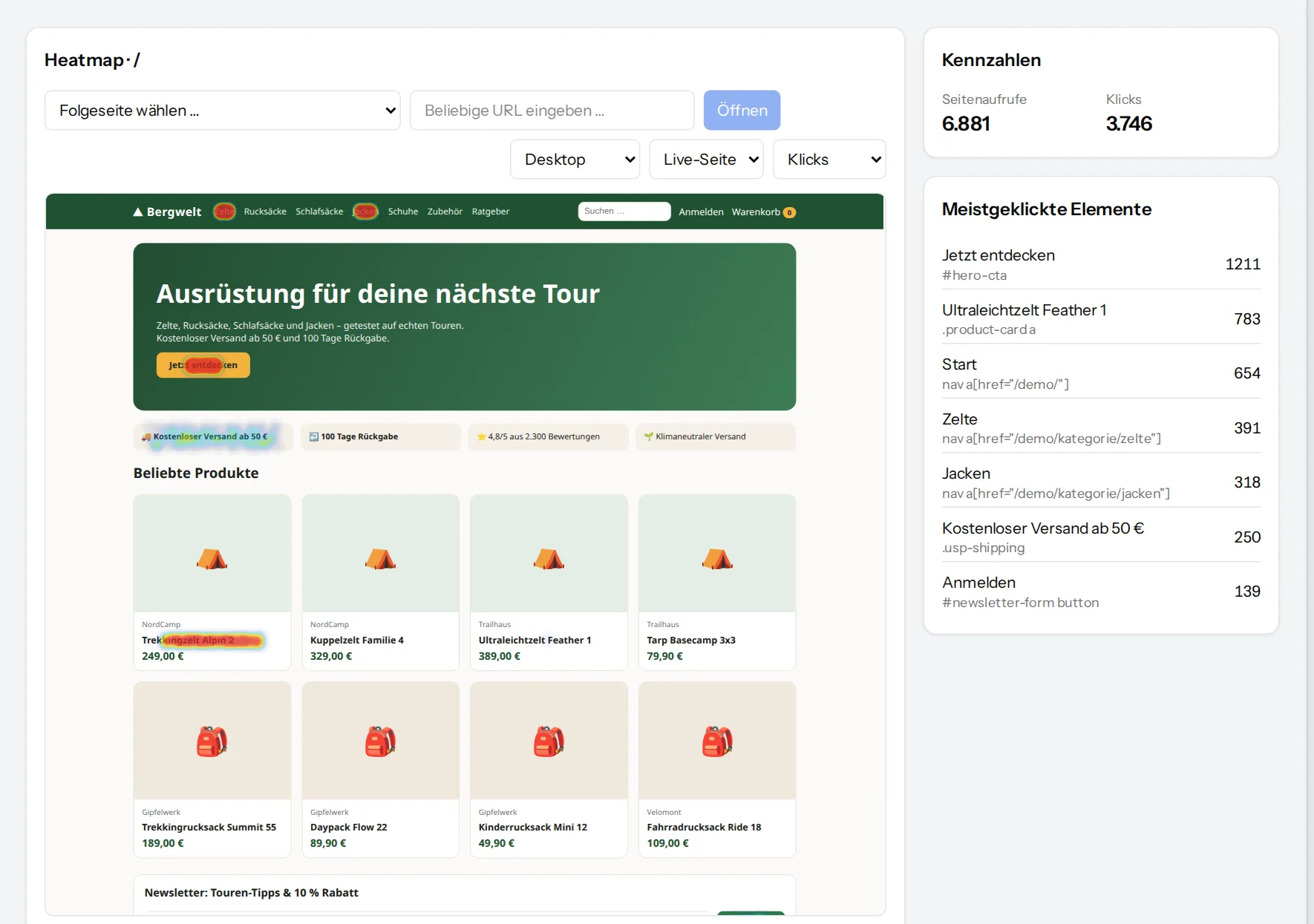
See where people click and how far they scroll, and watch visits as replays with consent. Form field inputs are masked.
Sources including AI assistants
Search engines, social networks, campaigns and referrals – and visitors from ChatGPT & co. show up as a source of their own.
Works with your cookie banner
Without consent VisualClicks measures cookieless. Banners using the WP Consent API, Google Consent Mode v2 or IAB TCF v2 are recognised – with consent, recognition and replays are added.
Hide your own visits
Logged-in administrators can be excluded from tracking. In a multisite network, every site has its own settings.
Privacy built in
The plugin adds a suggested text for VisualClicks to the WordPress privacy policy guide. It is licensed under the GPL.
With WooCommerce it becomes shop tracking
If your site runs WooCommerce, the same plugin also tracks cart, purchases and refunds – straight from the server, even when ad blockers are around.
- Cart with every quantity change (1 → 3 items counts as +2)
- Purchases and refunds with order number and revenue
- Missed purchases by product, channel and device
Set up in four steps
-
1
Upload the plugin
In the WordPress admin under Plugins → Add New Plugin → “Upload Plugin”, choose the ZIP file, install and activate it.
-
2
Create an API key
In VisualClicks under Settings → Website → API keys, create a key with the right “Send events”.
-
3
Enter the token
Paste it as API token under Settings → VisualClicks and save.
-
4
Done
The plugin fetches the site ID itself; check everything with wp visualclicks check.
Frequently asked questions
Which WordPress versions are supported?
WordPress 6.6 to 7.1 with PHP 7.4 or later – multisite included, with separate settings per site.
Does the plugin cost anything?
The plugin is free. For the reports you need a VisualClicks plan; you can try everything first in the free trial.
Do I need a cookie banner for it?
No. Without consent VisualClicks measures cookieless. If you already use a banner with the WP Consent API, Google Consent Mode or TCF, returning visitors are recognised and sessions recorded once consent is given.
Does the plugin slow down my site?
No. It loads one small script with defer and adds no extra database queries on page views.
What if I use WooCommerce?
Then the same plugin also tracks cart, purchases and refunds. You will find all details on the WooCommerce plugin page.